STACKWORKS APPS / Creative tools
Namecho
Turn your script into a manga storyboard.
Draft panels, place dialogue and review spreads on iPad with Apple Pencil. Interfaces and sample stories in 12 languages, with vertical or horizontal lettering.
See the store for current pricing and requirements.
APP SCREENS
A closer look at the app.
Tap an image to view it full size.
Draft panels, place dialogue and review spreads on iPad with Apple Pencil. Interfaces and sample stories in 12 languages, with vertical or horizontal lettering.
From script to speech balloons
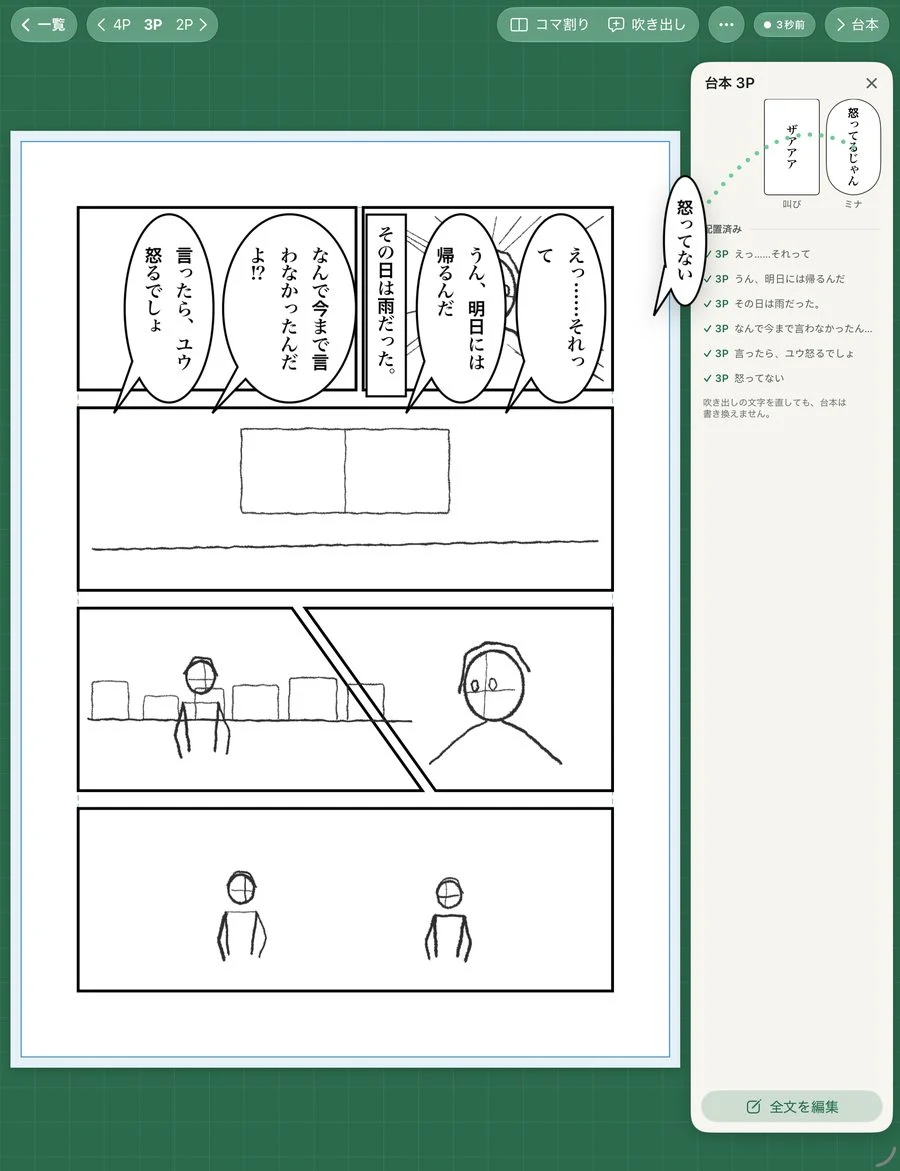
Paste one line per balloon. Tap a line in the script tray to place it on the page. Use Yu: Good morning! for dialogue, (Narration) for narration, [BAM!] for shouts and # 3P for page breaks.
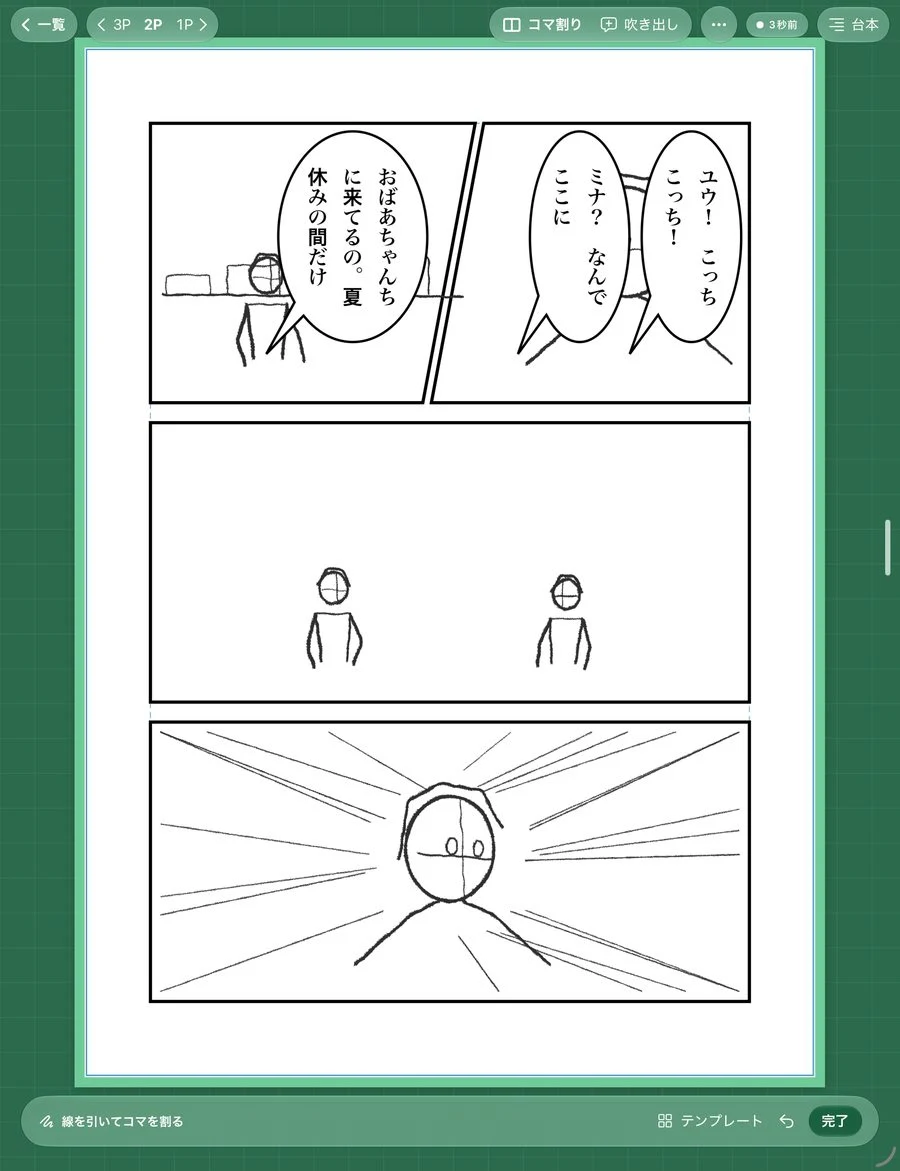
Draw a line to split a panel
Make diagonal cuts, adjust gutters and choose four-panel or storyboard templates. Choose B5, A5, A4 or vertical-scroll paper, right or left binding and the position of page one.
Keep your draft, keep your history
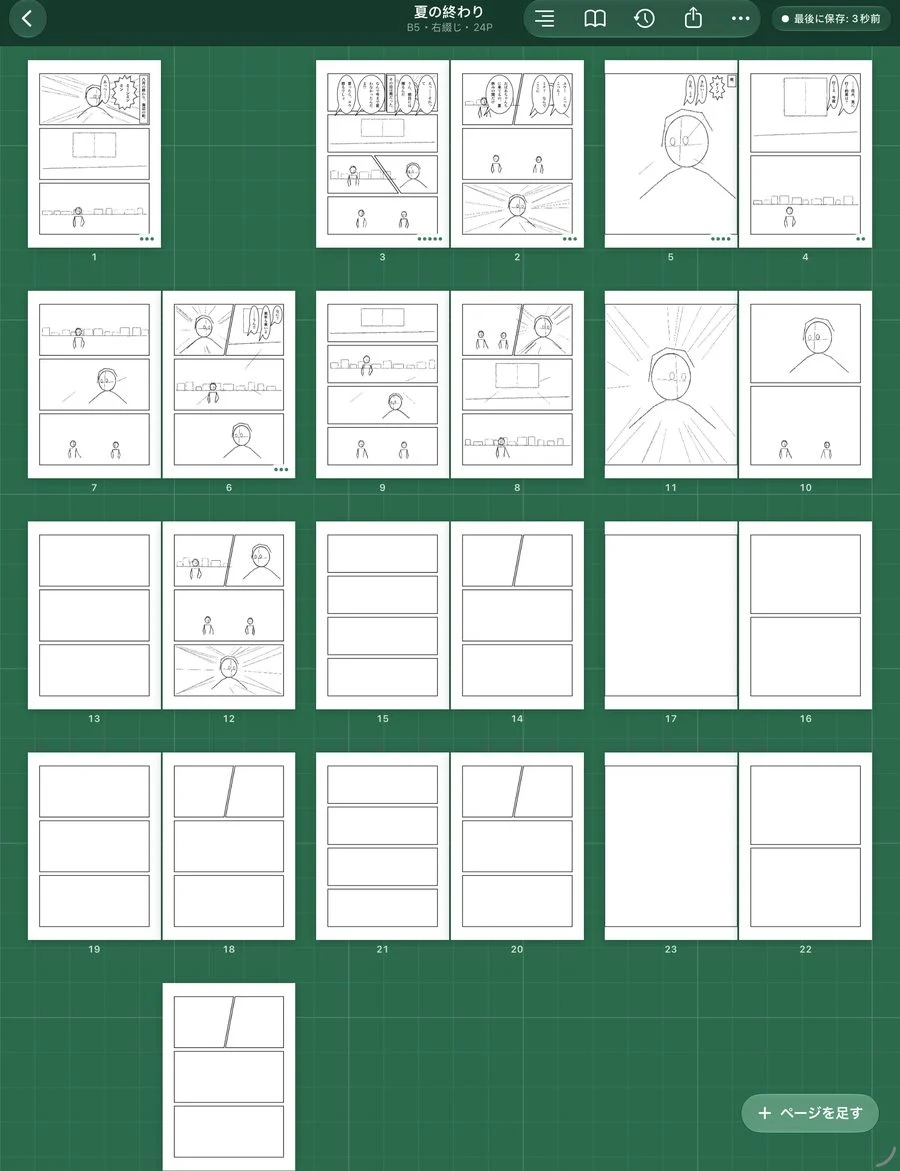
Each page is saved separately using atomic file replacement. Your last save time stays visible. Automatic checks try to recover unreadable pages from earlier versions. Deleted works remain in the trash for 30 days. Export backups to Files for protection against device loss or app deletion.
Review spreads and export
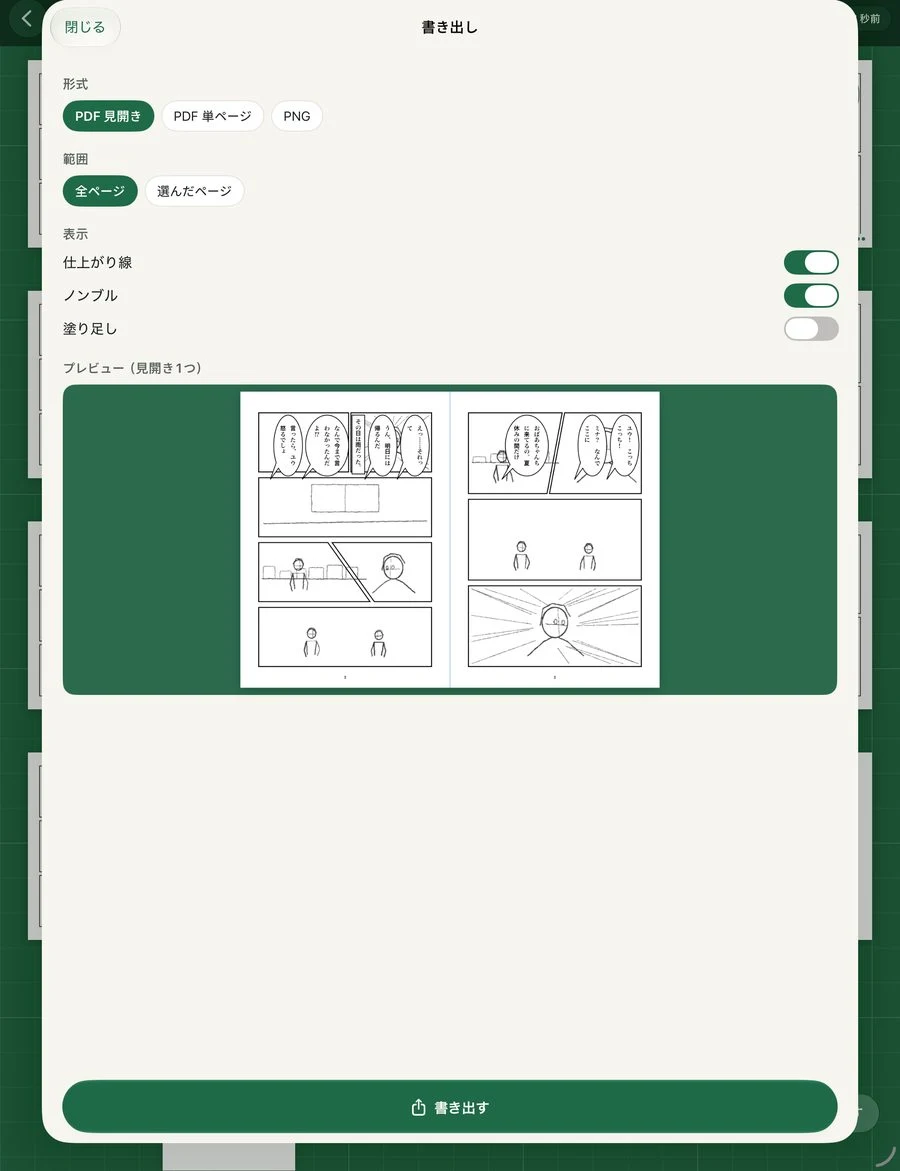
Check story flow in a two-page preview. Export PDF or PNG, including transparent PNG, trim lines and page numbers. On iPhone you can review works, edit scripts and correct balloon text; drawing works best on iPad.
Namecho Plus
Plus removes export watermarks, keeps 30 days of automatic history and retains named versions indefinitely. Family Sharing is supported. The App Store shows the price in your region. Works and pages have no limits, and saving, recovery and trash are available to everyone.
Private by design
No account, ads or analytics. Your works stay on your device and are never sent to the developer.
Updated: October 5, 2026
SUPPORT & CONTACT
Namecho · support
Questions, bug reports and suggestions are welcome.